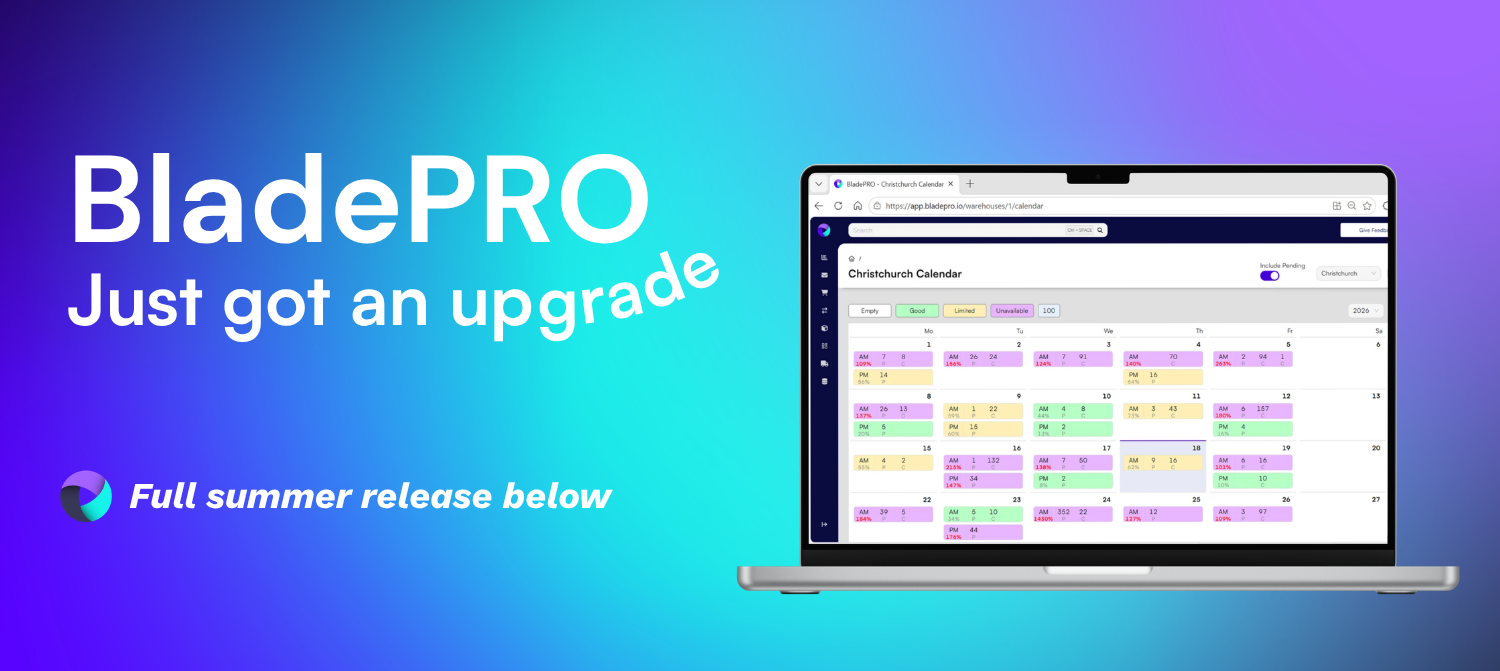
Every order is now classified as Consumer, Trade, or Retail - chosen the moment it's created.
Why. The old B2C/B2B split was too blunt: "B2B" lumped together very different orders. Order Types replaces it with three clear classifications, so each order carries the right handling from the start and gives you cleaner data to compare order journeys.
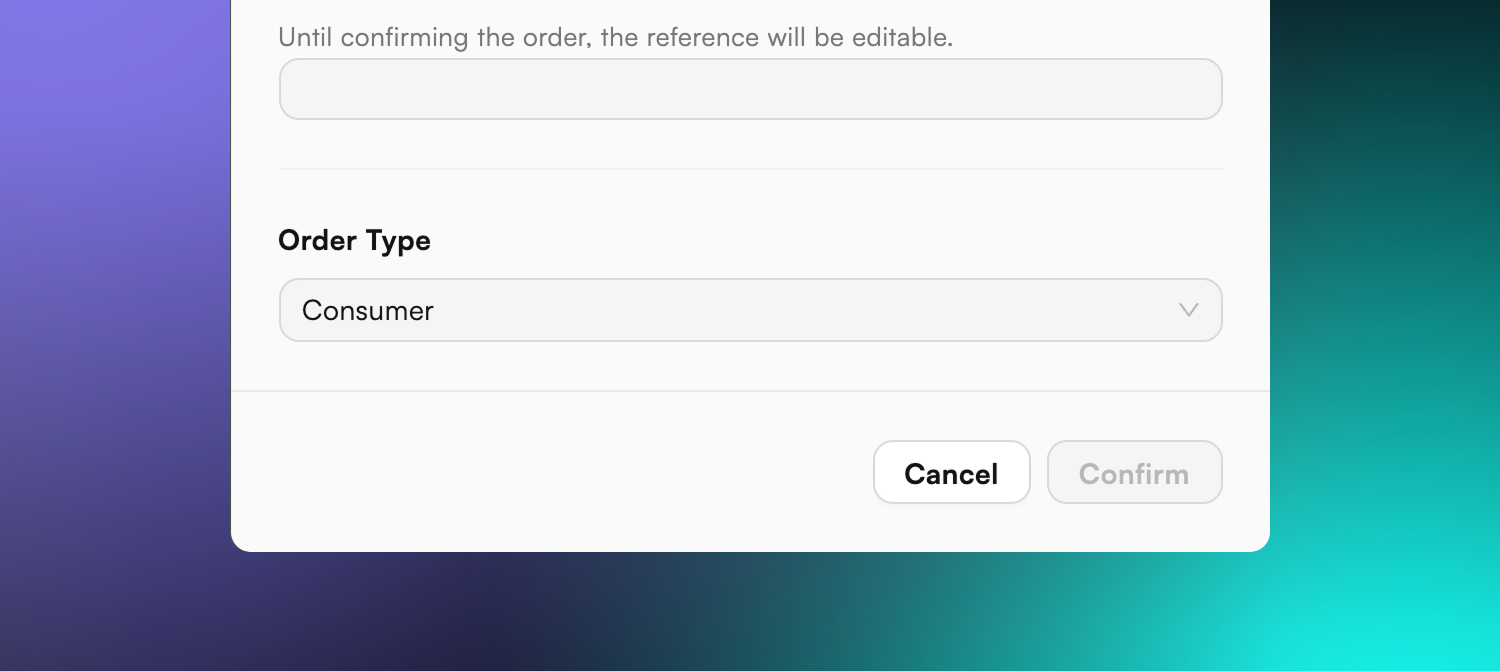
What's changed. When you create an order, you now pick an Order Type:
Consumer - the default. No extra steps, the simple path stays simple.
Trade - keeps the full set of picking, despatch, and packing controls.
Retail - like Trade, plus you select the destination retailer from a pre-approved list for that warehouse.
The type is set however you create orders - in the Create New Order pop-up, via the bulk importer (a new order_type column), or through the API (defaults to Consumer, set to Trade automatically when picking/despatch instructions or bulk options are supplied).
How it shows up. The order type is labelled prominently on the order and despatch pages and stays visible across tabs, and there's a new sortable, filterable Order Type column on the Order List. The type can be changed up until picking begins, with every change logged in the order timeline.