Changelog

Follow new updates and improvements to BladePRO.

July 1st, 2026

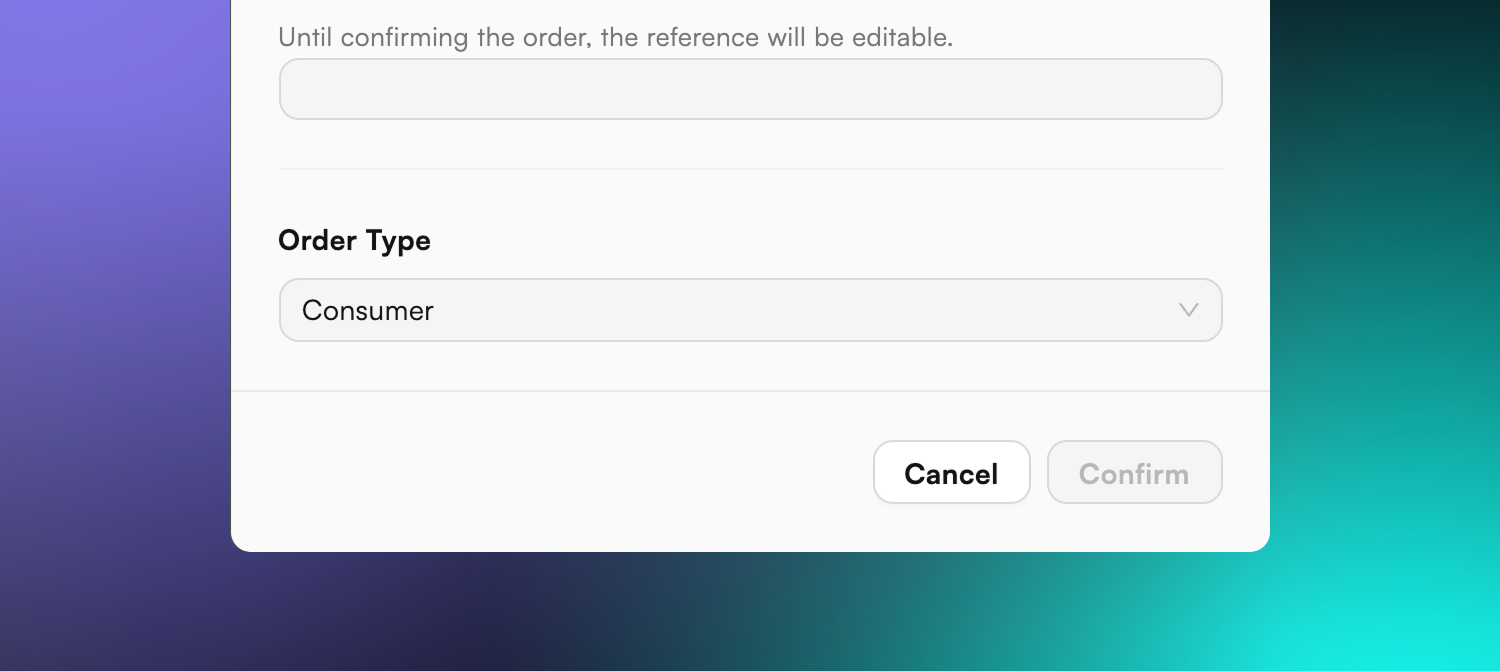
Every order is now classified as Consumer, Trade, or Retail - chosen the moment it's created.

Why. The old B2C/B2B split was too blunt: "B2B" lumped together very different orders. Order Types replaces it with three clear classifications, so each order carries the right handling from the start and gives you cleaner data to compare order journeys.

What's changed. When you create an order, you now pick an Order Type:

  • Consumer - the default. No extra steps, the simple path stays simple.

  • Trade - keeps the full set of picking, despatch, and packing controls.

  • Retail - like Trade, plus you select the destination retailer from a pre-approved list for that warehouse.

The type is set however you create orders - in the Create New Order pop-up, via the bulk importer (a new order_type column), or through the API (defaults to Consumer, set to Trade automatically when picking/despatch instructions or bulk options are supplied).

How it shows up. The order type is labelled prominently on the order and despatch pages and stays visible across tabs, and there's a new sortable, filterable Order Type column on the Order List. The type can be changed up until picking begins, with every change logged in the order timeline.
June 25th, 2026

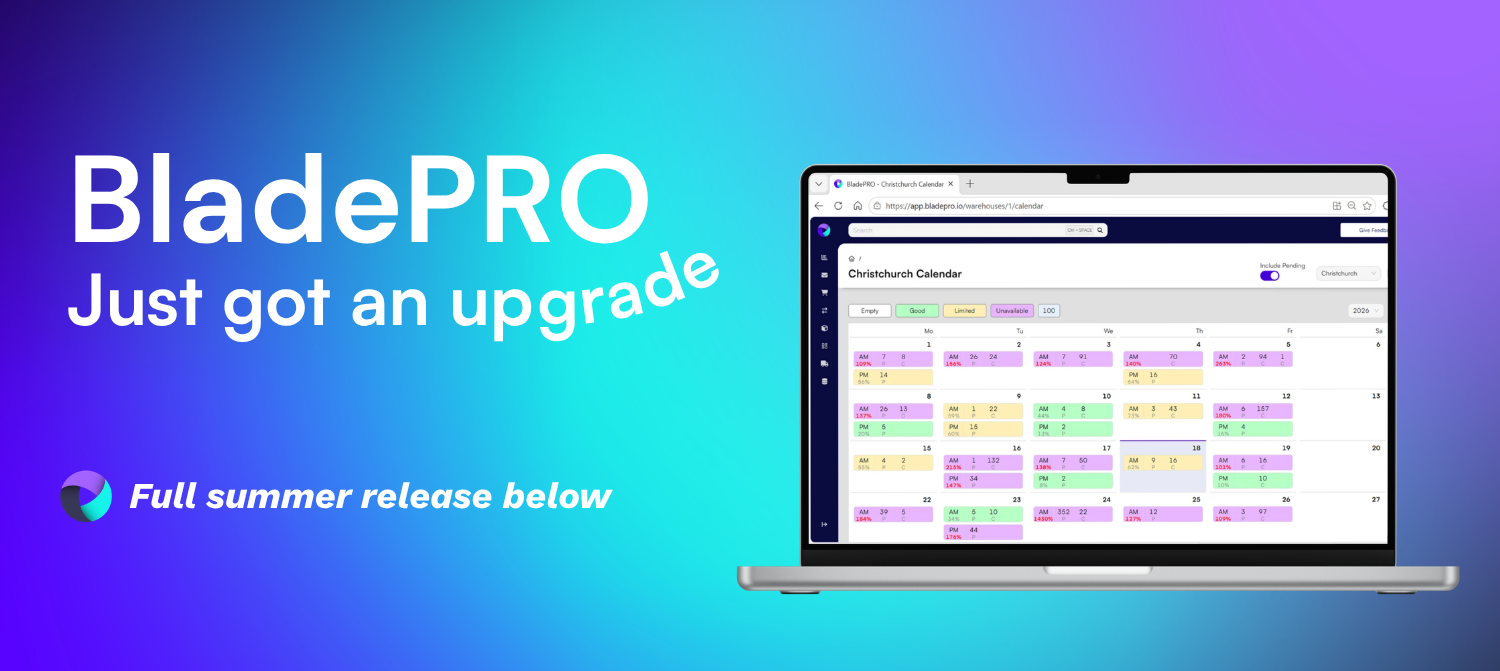
This release widens carrier choice, modernises the warehouse and goods-in experience, and continues the platform-wide move to the new BladePRO interface. Below is what's new, what's improved, and the behind-the-scenes work keeping your shipping running smoothly.

Highlights this quarter

  • Two new integrations - connect to UniUni for US shipments and a new connectivity layer for hundreds of additional sales channels, each through a single connection.

  • Self-service Goods In booking - see real warehouse capacity and book delivery slots instantly, no more back-and-forth.

  • Smarter returns - scan UDI/GS1 barcodes to capture batch, expiry in one step.

  • Refreshed interface - a cleaner, more consistent look across Orders, Returns, Warehouse and Analytics.

Shipping & carriers

  • UniUni integration. Book US deliveries with UniUni directly in BladePRO and receive tracking numbers and shipping labels instantly. Delivery progress is automatically kept up to date through batched tracking or real-time webhooks, expanding carrier choice for US shipments through a single connection.

  • Connectivity Layer. A new installable connection that opens access to hundreds of sales channels and marketplaces. Orders import automatically, channels map to your BladePRO order channels, and despatch confirmations, tracking and stock levels sync back.

  • FedEx shipping. Rebuilt on FedEx's new JSON APIs with all existing capability preserved (labels, commercial invoices, pickups, third-party billing) plus optional address validation, live rates and transit times, and real-time tracking milestones.

Returns

  • Batch code tracking. Returns operatives now get a shortlist of the batch codes actually shipped on the order, an option for codes not listed, and the ability to scan a UDI/GS1 2D barcode to auto-capture product, batch code and expiry date.

  • "Created by" column on the returns list. See who raised each return, with sorting, filtering, a toggle, and inclusion in exports.

Despatch & packing

  • B2B packing lists & labels. Packing documentation now generates at the end of packing and reflects the actual pallet, carton and product makeup, with accurate weights and dimensions. Three documents are available - an A4 master packing list plus pallet-level and carton-level 6x4 labels - with auto-print defaults configurable per warehouse and order type, and a CSV export. Obsolete documents have been retired.

  • Consumables on despatch. Consumables added outside the despatch page (for example via order-channel automation) now appear in the "Unpacked Items" section so packers can see and pack them - reducing missed items and keeping packed contents accurate.

Inbound & Goods In

  • Capacity-aware booking. The Purchase Order and Goods In pages have been modernised and the old "blind" delivery calendar replaced with real-time capacity. Clients see slots as available or unavailable, can self-book available slots instantly with confirmation, and are routed for approval when requesting an unavailable slot - cutting down booking back-and-forth.

Platform & experience

  • Interface refresh. A platform-wide visual update moving to a consistent design system: standardised layouts, header and breadcrumbs, sidebar navigation (Sales is now "Orders", with Dashboard and Reports nested under Analytics), grids, tables and timeline, plus refreshed colours, buttons and icons. Functionality is unchanged - the goal is clearer hierarchy and less navigation friction.

Under the hood - carrier API migrations

Work to keep your shipping running smoothly as carriers retire older APIs. No action needed; existing service is preserved.

  • DHL Parcel migrated to DHL's current API, with Northern Ireland and Channel Islands handling and full timeline logging preserved.

  • USPS Final Mile tracking migrated to the v3.2 API, with more efficient batched tracking checks.

  • Royal Mail returns moved to the Sapient platform, keeping return label and tracking generation reliable.

January 15th, 2026

New

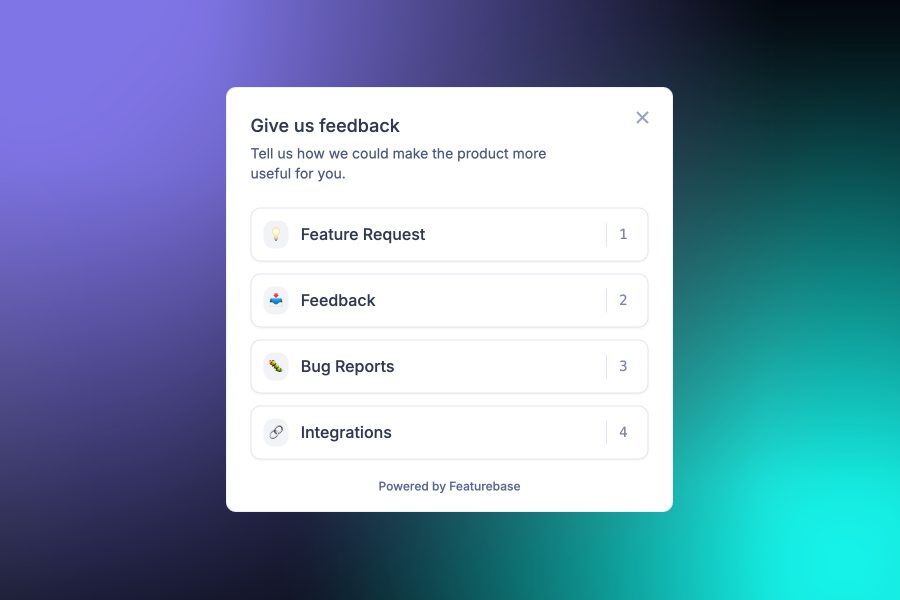
We’re excited to launch our new Product Portal, powered by Featurebase. From now on, whenever we release a new feature, fix a bug, or make an improvement, you'll see a summary right here in this window.

Our goal is to be more transparent about how we are building this platform with you.

💡 What’s new?

  • The Changelog modal: You’re looking at it! Whenever there’s a major update, this window will appear to keep you in the loop. You can always revisit past updates by clicking the help icon in the header and selecting recent updates.

  • Direct feedback: Have a feature or improvement request? You no longer have to wonder where to send it. Just click the "Give Feedback" button at the top of your screen to submit a post.

🔄 Navigation update: Legacy UI

We’ve tidied up the header to make room for these new tools. If you need to return to the previous version of the platform:

  1. Click on your Profile Menu.

  2. Select "Switch to Legacy UI" from the dropdown list.

Help us build the future

We really value your input. Please take a moment to click that Give Feedback button and let us know what you'd like to see us work on next!

— The BladePRO Product Team